January 6, 2026
3D Printed Shapes
At its core, 3D printing involves creating a three-dimensional object from a digital model by laying down successive layers of material.
Learn more
.svg)

3D printing has transformed the way we turn digital ideas into real-world objects, making it possible to create everything from simple prototypes to intricate, functional products. At the heart of this process is 3D printing software, which bridges the gap between your CAD models and the physical objects produced by the printer.

Whether you’re a beginner looking for a user-friendly platform or a professional seeking advanced features, the right printing software is essential for success. These programs allow users to design, modify, and prepare files for printing, ensuring that every detail of your project is accurately captured.
As 3D printing technology evolves, so do the capabilities of the software, offering features that cater to both personal and professional needs. From basic tools for first-time users to advanced options for complex projects, 3D printing software empowers users to bring their ideas to life with precision and efficiency.
The 3D printer software is a combination of software types and tools. It allows you to upload existing three-dimensional models you found online and manipulate them. Most CAD programs can import and export 3D models, so compatibility with various CAD programs is important for preparing files for 3D printing.
You can often download 3D printing software or models from the internet, making it easy to start creating.
It also involves 3D Scanning of simple objects you’d like to recreate aspects of CAD Design and associated tools like slicing. Slicer software is used to convert CAD files into printable instructions for 3D printers. The software will vary depending on your 3D printer s method of operation. There are software products for printmaking and converting machines - from beginners down to mass industry.
To get a text on your objects this is often done via Robocasting. It doesn’t differ much from the basic printing technique.
3D printing relies on a suite of specialized software tools, each serving a unique purpose in the workflow. The first category is design software, often referred to as CAD programs, which allows users to create and modify 3D models from scratch or by editing existing designs. These tools are essential for shaping your ideas into printable models, whether you’re working with basic shapes or tackling complex projects.
Next, slicer software comes into play. Slicers, such as Cura or Slic3r, take your 3D models and convert them into a series of thin layers, generating the precise instructions your printer needs to build the object layer by layer. This step is crucial for controlling settings like layer thickness, print speed, and support structures, ensuring your models print successfully.
Finally, printer control software acts as the bridge between your computer and the 3D printer itself. This software sends the sliced instructions to the printer, manages the printing process, and allows you to monitor progress or make adjustments in real time. Understanding the role of each type of 3D printing software helps users prepare models efficiently, maintain control over the printing process, and achieve the best possible results with their chosen printer.
Dedicated 3D printing software certainly does the job but can be limited to creating models themselves. There is exceptionally advanced models software that has 3D printed capabilities as an optional feature and it costs quite a lot of money. Dedicated apps make the job, but limit the use of which is necessary when making models. When choosing user-friendly software, it's important to look for an intuitive interface, as this simplifies the design and printing process, making it easier to handle complex tasks and boosting productivity.
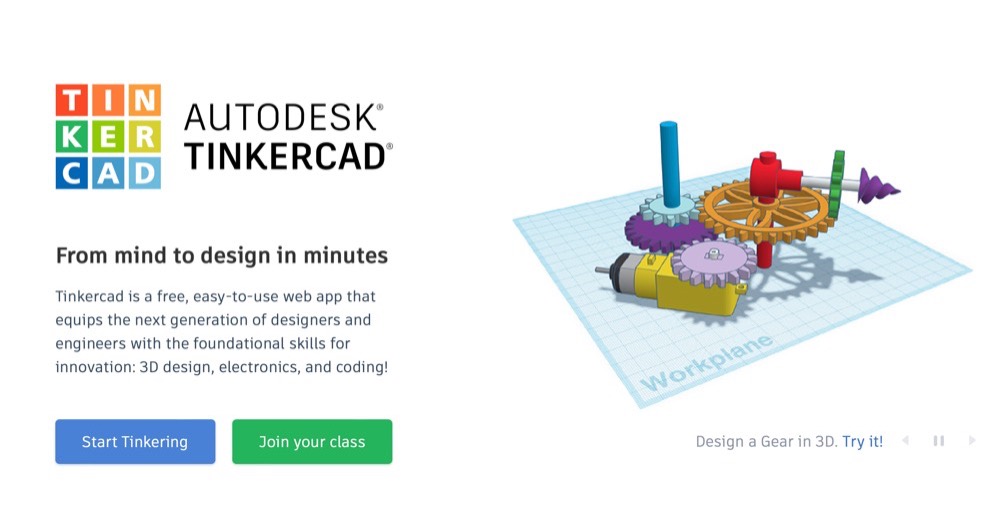
If you’re new to this whole 3D printing thing and want something simple, we recommend TinkerCAD, which is free to use online. To print something, you just have to import an image of the object, adjust it to your liking, and choose the size of your print. Understanding your printer's build volume is also important, as it helps you organize multiple parts or optimize print layouts within the maximum printable area.
For those new to 3D printing, finding user-friendly software can make all the difference in getting started. Many modern programs are designed with intuitive interfaces and step-by-step tutorials, making it easy for new users to create, modify, and print their first projects. Slicing software like Ultimaker Cura simplifies the process of converting STL files into printable layers, offering pre-set profiles and easy-to-understand controls.
Tools such as Tinkercad provide a free, browser-based platform where users can quickly design models using drag-and-drop features and guided lessons. These beginner-friendly programs remove the steep learning curve often associated with CAD tools, allowing anyone to start designing and printing with minimal setup. Whether you’re working on hands-on projects for school, personal use, or just exploring the world of 3D printing, these software solutions make it easy to turn your ideas into reality.
Additionally, many user-friendly 3D printing software options offer access to a supportive community where beginners can share experiences, ask questions, and learn from others.
When it comes to 3D printing, the choice of file formats can make or break your workflow. The most widely used format is the STL file, which describes the surface geometry of your 3D models and is supported by nearly all slicer software and 3D printers. STL files are ideal for most printing tasks, but if you need to include color, texture, or material information, the OBJ file format is a popular alternative.
Compatibility between your design software, slicer software, and printer is essential for a smooth experience. Most modern 3D modeling tools and slicers support both STL and OBJ files, making it easy to move models between programs and prepare them for printing. Some advanced software also offers the ability to import and export additional file formats, giving you more flexibility when working with different CAD models or collaborating with others. Ensuring your chosen software can handle the necessary file formats will help you avoid frustrating roadblocks and keep your 3D printing projects on track.
There are many user-friendly modelling solutions available, many of which are free. This list of best options is sorted by price, with free options sorted alphabetically. The lists also show whether the software uses solid modelling. Many 3D modelling tools also allow users to combine different shapes or features to create more complex objects.
A type of 3D modelling that produces a model that is typically both “manifold” and “watertight.”. Manifold modelling is one where the wall of a model has some depth necessary for 3D printing. It is important to check the wall thickness to ensure the structural integrity of the printed part. 3D printing software helps ensure the quality of the final printed part by providing features like wall thickness analysis, support generation, and print setup tools. In contrast, software using polygon modelling can calculate walls with zero thickness.
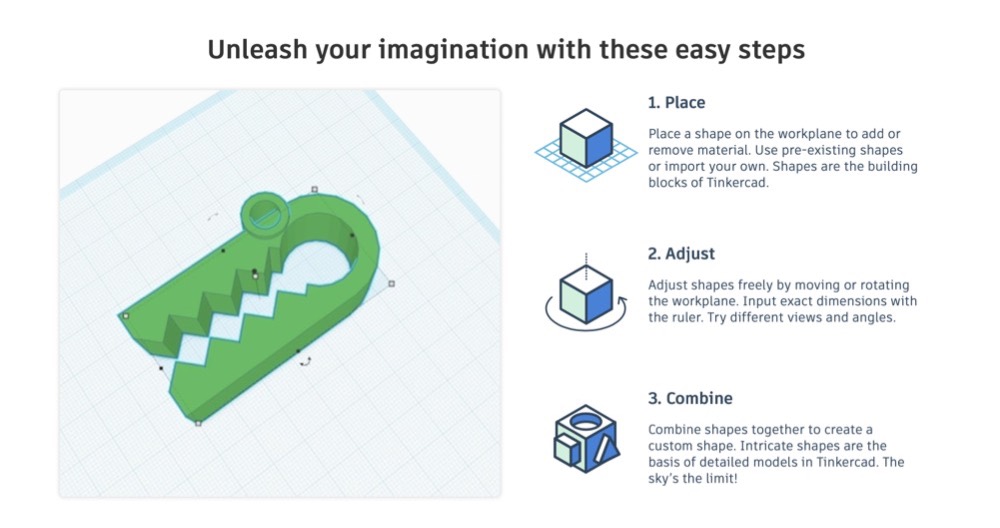
TackleCAD is loaded with tutorial videos guides and tips that help beginners understand and improve the designs. OpenSCAD is a free application designed to be used to create models. BRL-CAD gives a high level of precision mainly because it uses specific coordinates to shape geometric forms. Some of these tools offer a basic version with limited features, making them suitable for beginners or simple projects.
It offers a large library of simple and complex shapes users can implement in their own designs. The parametric components make editing your design easy. Some beginner-friendly tools introduce procedural modeling, allowing users to generate shapes using simple scripts or code. DesignSpark Mechanical offers users access to its own library with custom drawn files or sketches. It’s not good enough for professional purposes but it’s a great training tool.
3DSlash was created in 2013 by Silvain Huet, who was inspired by his son’s experience playing Minecraft. The software presents different tools for helping shape your designs including the possibility to convert parts from real life to 3D with just a picture you just upload and trace.
With a resolution of up to 0.1 mm this program helps to make your object fairly accurately allowing you to bring your creative imagination to life!
3D Slash offers free versions with basic functionality and certain limitations, making it accessible for beginners or casual users.
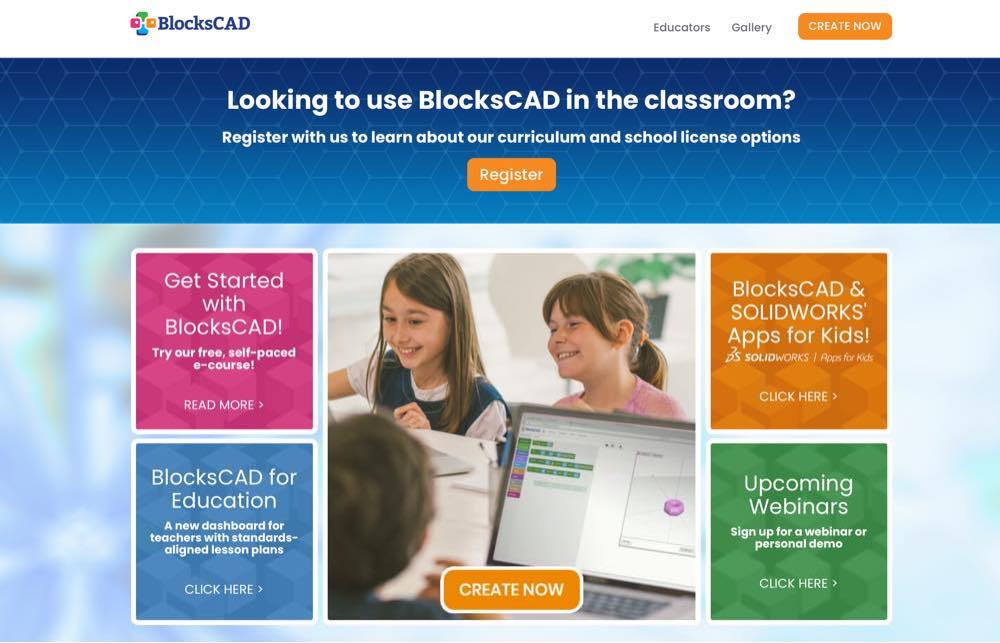
BlocksCAD’s code was fully compatible with OpenSCAD so it allows for last updates to your models. The development commands of each object and its transformation are represented by colour blocks reminiscent of the popular construction toy LEGO.
BlocksCAD is widely used in education, not only for teaching 3D modeling but also for introducing computer science concepts by integrating basic coding skills with 3D design. To help beginners learn how to create 3D structures BlockCAD has a Youtube page that offers dozens of tutorial videos and starts at $149 per y. Find more information about the software on the Youtube channel and cost around $150 for the product.
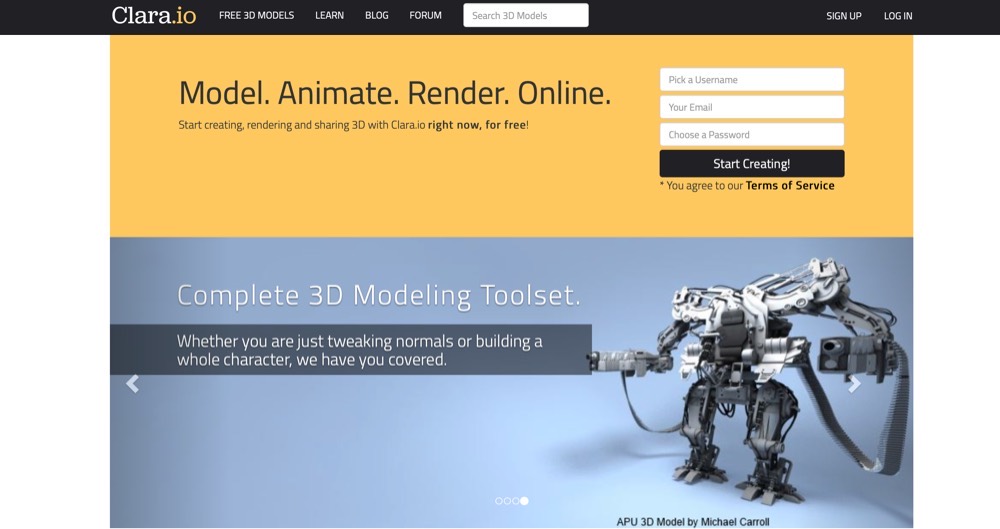
Clara.io is a complete cloud-based 3-D design, animation and rendering software running in your web browser. It enables making complex 3d maps create beautiful photorealistic renderings and share them using no software application installed.
On this software 3D geometries consist of various elements known as components. The learning curve is not too steep. This makes it suitable for students who are not familiar with 3D modelling. There are three types of components - faces corners and vertices. You should consult this website to gain an understanding of the models built into this software.
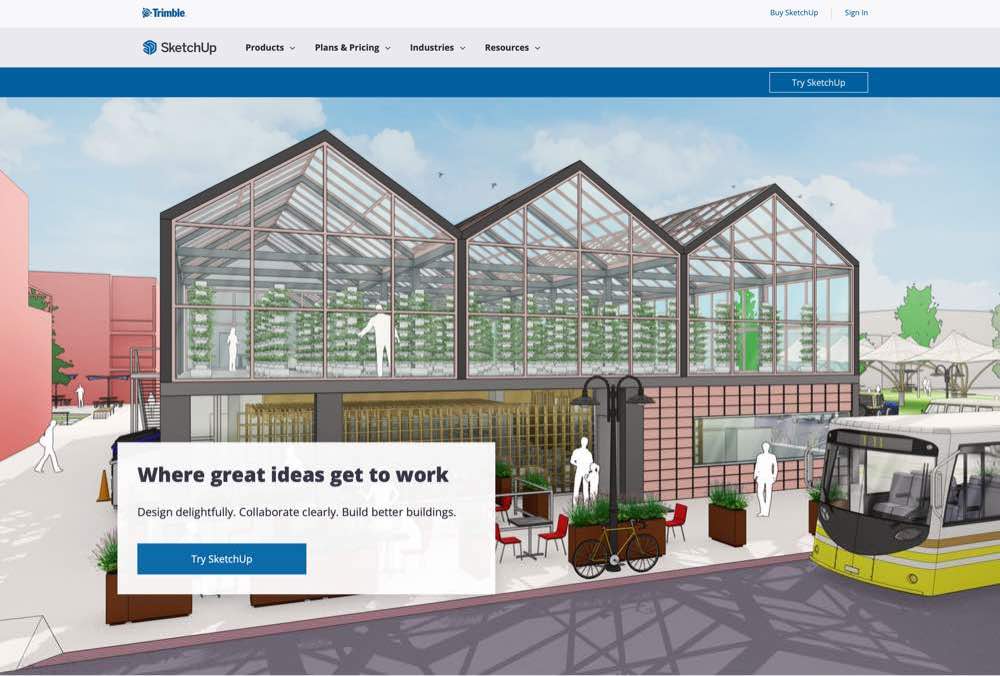
Sketchup is free 30 day trial and offers simple tools for a wide spectrum of users: maker, architect, designer engineers and builder. This software allows you to easily sketch your idea in 3-dimensional form. While SketchUp Make is free, there is also a paid version called SketchUp Pro that offers additional functionalities for professional use. I have chosen it since I am a beginner at CAD and I like the way it’s streamlined and user interface friendly. In a short period of time, it is. You can find more information about Sketchup Make in Sketchup website.
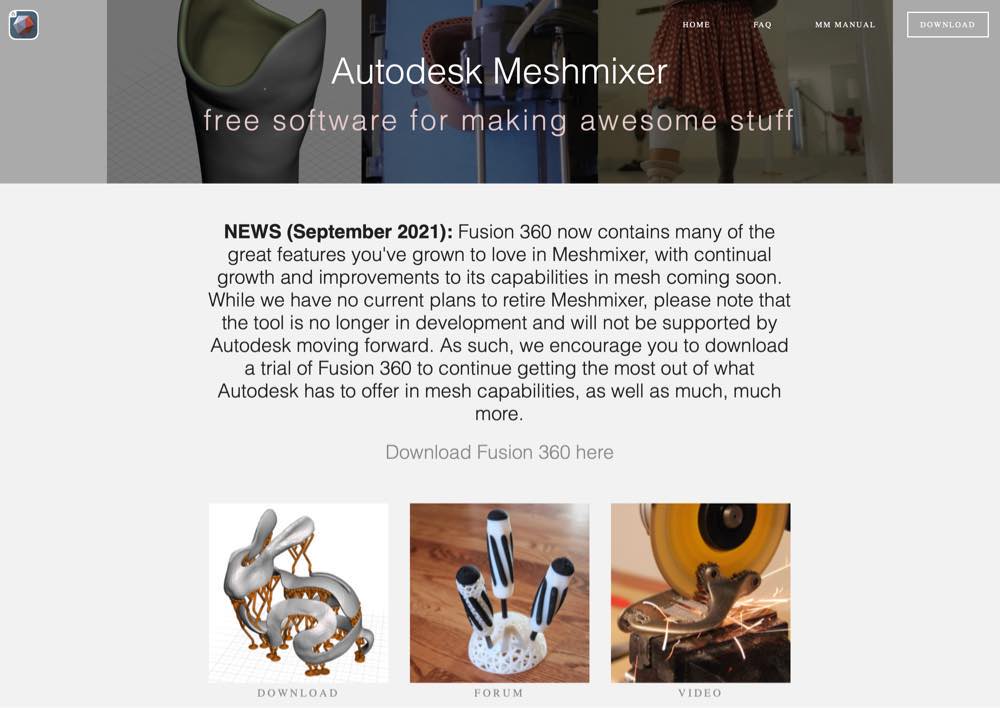
Meshmixer is a free CAD program that makes up the Autodesks Software family, and is a popular choice among users seeking free software for 3D modeling and editing. That doesn’t enable you to make a product in the beginning. Instead, it will assist you with animation, 3D modelling, zippering, hole filling hollowing, 3D surface stamping and auto repair of pre-existing models that you modify to make your own.
What are the best tools to use to choose an optimal 3D printer? Choose the appropriate CAD model from our free Best sites for print 3D file downloadable manual.
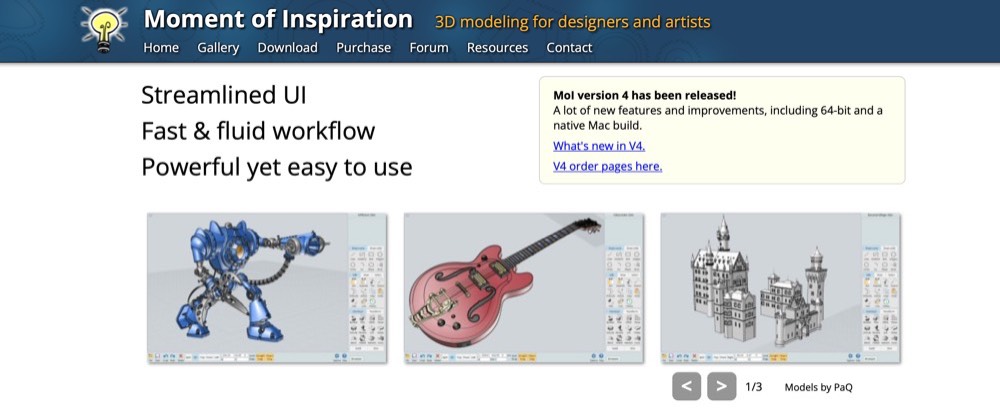
MoI is an ideal 3D modelling software for beginners or people with limited knowledge about existing CAD techniques. Most developers or artists use the software's advanced features however it also allows making mechanical designs. The license costs 199 dollars and can also be installed for both Windows and Mac users. The system is particularly useful because the interface is easily accessible by MoIs.
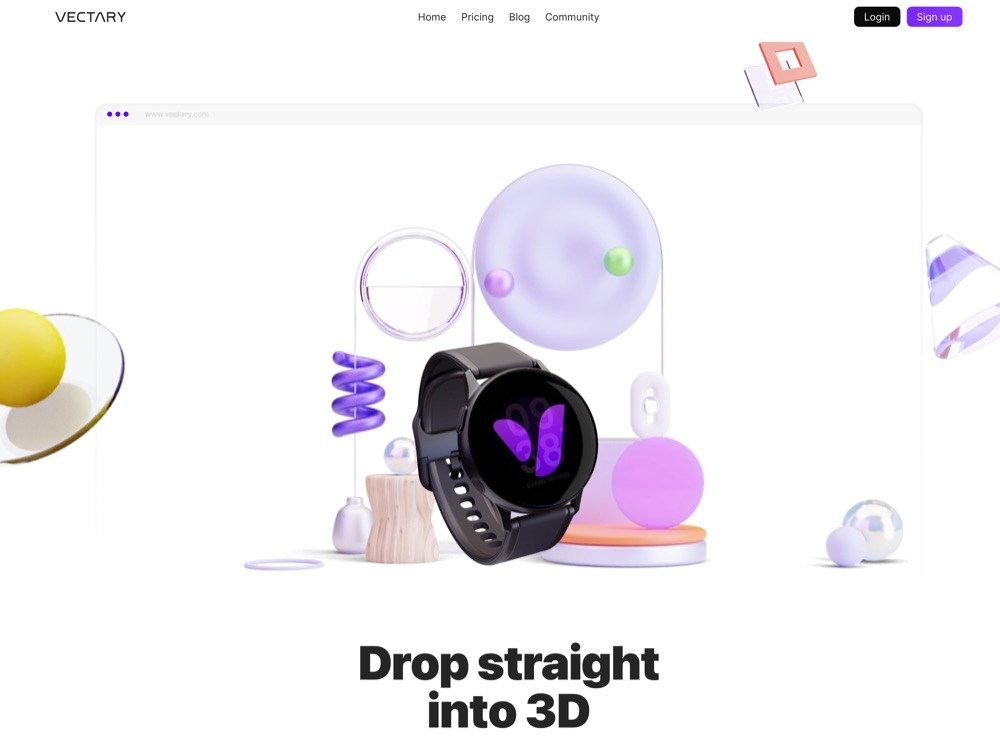
Vectary is a combination of standard mesh model, subdivision model and parametric plugins. It was built out of scratch to make 3D modelling easy for beginners – but also useful for pros. Models were saved in the Cloud allowing access across a variety of modern browsers. Users can access their creations immediately and share their models around the world.
AutoCAD is a versatile 3D printing software offering a lot of capabilities to generate 3D models. FreeCAD and TinkerCAD are free programs accessible via web browser or application. Ultimaker Cura is an open-source software tool that provides smooth integration to 3D printers.
This is a development for Dassault Systemes Solidworks and is an excellent choice among 3D designers. Although initially created based on internal requirements for Dassault Aviation CATIA garnered considerable popularity for its multi-platform capabilities. It is best for the serious professionals who will require innovation and reliable 3D design. Some high-end solutions, such as Solidworks and CATIA, are often used in commercial settings and offer licensing options specifically for commercial use by businesses and industry professionals. These solutions offer the benefit of managing the entire 3D printing process on one platform, streamlining design, preparation, and printing.
For cloud-based or web-accessible programs like Autodesk Fusion 360, a reliable internet connection is necessary to access cloud features and enable real-time collaboration.
PrusaSlicer is one of the most commonly used cutting machines available in the 3D printing industry. Cura is a benchmark Slicer for all Ultimaker 3D printers though it can be used on most other printers. While Cura can automatically detect many printer specifications to streamline initial configuration, users may need to perform manual setup by adjusting settings manually for advanced or non-Ultimaker printers. ChiTuBox Basic is used for cutting 3D models for LCD stereolithography or MSography.
Slicer software can generate supports automatically or allow for custom support structures, which are essential for successful printing of complex or overhanging parts. Many slicers now offer the ability to generate supports or perform other complex tasks with a single click, making the preparation process much faster and easier.
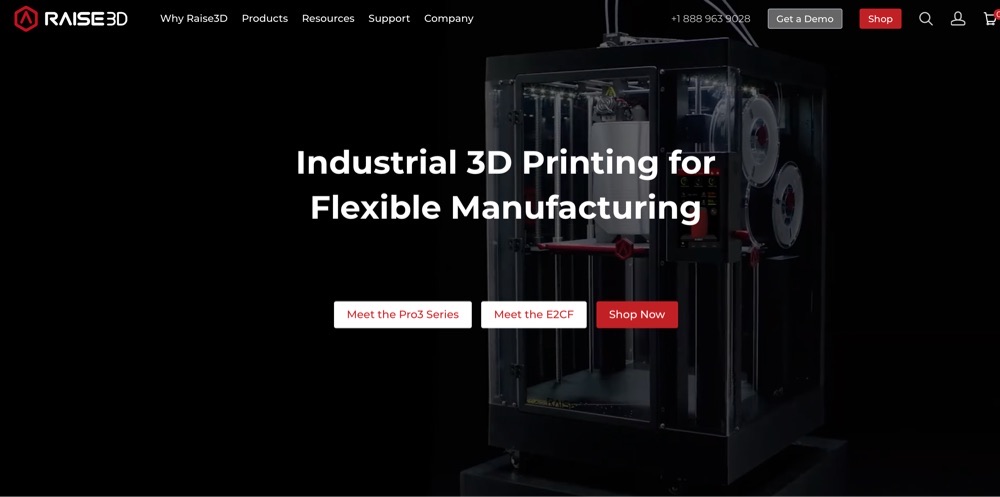
In the “Custom” mode the Cura tool gives users. Raising3D’s slicing software is optimized to the company’s machines but the software also works on third-party printers.
Autodesk Fusion 360 provides 3D printers with the fastest speeds in the industry. It combines design technology with manufacturing to create a cohesive, integrated platform that scales from desktop projects to large format 3D printing for industrial applications.
It streamlines the business development cycle to ensure a faster distribution and smooth production of high-quality products. An efficient workflow is essential for moving from design to print with minimal errors, and Fusion 360 is designed to optimize each step of the process. Ideal to produce highly efficient mechanical parts. The prices are based on your time of purchase: get started with Autodesk Fusion 360 and benefit from CAD CAE, CAD and PCB integration on one development platform. Subscribing to Fusion 360 unlocks more features to enhance your 3D printing capabilities.
Get started running Autodesk Fusion 360 software and enjoy the integration of CAD and CAE within a single development platform. A unique addition to Fusion 360 is its collaborative cloud-based design, allowing teams to work together seamlessly from anywhere.
Fusion 360 will let you cut models on the 3D printer without converting the files to the original STL format. In this tutorial, we will take a design model to the manufacturing workstation. In that case, we need to slice it up, recreate the 3D printing and copy Gcode. 3D printing builds objects one layer at a time, and slicing software prepares the model accordingly to ensure each layer is printed accurately.
The month-end Maya subscription costs approximately 175.90 in total but it’s sure worth it. VECTARY has millions of assets including 3D scenes, models, and materials with a simple drag and drop interface. Fusion 3D is for anybody who generates advanced 3D components and needs similar advanced software to model.
Fusion operates a multi-part system that removes the stress of many files and items to remember. This feature makes it easier to manage and print multiple objects simultaneously, streamlining the workflow for complex 3D printing projects. It allows easy export to STL or OBJ for 3D printing. Fusion 360 is the primary choice for more advanced models. Upgrading to paid plans or subscriptions can unlock premium features that provide additional control and customization options for advanced users. It is also simple and inexpensive for beginners but for advanced users, it might help to look for a higher-end product.
This software will automatically open and edit your STL file. It is particularly helpful for spotting and automating problem fixes. Meshmixers highlight paper-thin walls in STL files and can cause problems during printing.
MeshLab is an advanced opensource STL editor that has tools to manipulate and edit 3D triangular meshes. These applications make it ideal for processing raw data from CAD software or for making 3D models of a printer. The last version of MeshLab was released back in 2016. It currently stands out as a free STL file editor and Repair tool. All in all when you have to make a 3D model ruined from use.
Any software used to create a 3D model has to be compatible with 3D printing. This can also mean you need software to work with a particular operating system. Although most 3D printers support a Mac or Windows OS, even the best programmes like 3DS Max require a computer OS to work properly.
They’ll also tell you whether the model you developed prints correctly and tell you printing correctly is a good reason to print accurately. Some 3d printing software tools help optimize print quality by adjusting layer height and other settings, and can estimate print time to assist with project planning.
UVTools is an independent project that can be plugged in PrusaSlicer. Currently, UVTools is supported in single-segment power controls and that’s becoming more common. WebPrinter is an easy browser-basic tool showing the graphical G-code of ISL. In 2D you have an outstandingly clear look at the individual surfaces that constitute your print.
Gcode Analyzer gives you easy access to older photos and can see exactly how the nozzle moves around parts. UVTools and similar software are compatible with resin printers, allowing users to optimize print settings and test new resins. UVTools also includes a feature to create your own resin layer cure time calibration print to test out new resins.
OctoPrint is a web-based 3D printer server that allows you to exercise complete control of your printer. MatterControl is 3D-printing software for your desktop. AstroPrint allows you to monitor and manage two 3D printing machines as well as cutting and controlling. Repetier Host is another popular option for remotely managing and controlling 3D printers, supporting features like G-code sending and print monitoring.
Astroprint is a cloud-based system and is integrated with ThingiverseMyMiniFactory besides CAD tools. These platforms allow users to connect their 3D printers to the internet or cloud services for remote management and monitoring. There are several paid account levels but the free tier has enough capacity to control your printer remotely easily. The AstroPrint service is free, but you can invest in some hardware.
Selecting the right software for your 3D printer is key to a hassle-free printing experience. Many 3D printers come bundled with recommended software that’s optimized for their specific hardware, ensuring reliable performance and access to all the features your printer offers. However, the world of 3D printing is full of options, and most printers support a variety of free and open source software solutions, giving users the flexibility to choose the tools that best fit their needs, or to pair their chosen tools with on-demand 3D printing services like 3DMITECH for rapid prototyping and production.
Before you start creating, it’s important to check that your chosen software supports your printer model. Popular slicer software like Ultimaker Cura is known for its broad compatibility, supporting hundreds of different 3D printers and making it a favorite among users who want versatility. Open source programs are especially valuable for those who want to experiment or customize their workflow, as they often support a wide range of printers and materials. By ensuring software and printer compatibility, you’ll be able to take full advantage of your 3D printer’s capabilities and avoid unnecessary troubleshooting.
For advanced users and engineering teams, 3D printing software offers a suite of powerful tools designed to handle complex projects and demanding workflows. Programs like Autodesk Fusion 360 and Siemens NX provide simulation tools to test and optimize designs before printing, ensuring structural integrity and efficient material use through topology optimization. Parametric modeling capabilities allow for the creation of intricate, customizable geometries, and advanced sculpting tools in some software make it easy to create organic shapes, such as complex 3D printed shapes used across industries, such as animal figures or lifelike models. Support for multiple file formats ensures seamless collaboration across different CAD software and platforms. Advanced features such as multi-material printing, precise control over print speed, layer height, and G-code generation enable professionals to fine-tune every aspect of the print process for maximum quality and efficiency. The ability to export files in various formats and manage detailed print settings is essential for product design, prototyping, and production. With these feature-rich programs, advanced users can confidently tackle precision work, complex geometries, and large-scale projects, making the most of what modern 3D printing technology has to offer.
The future of 3D printing is being shaped by the rapid evolution of software tools and features. Next generation 3D printing software is focused on making the entire process smarter, faster, and more accessible. Modern design software now offers intuitive interfaces, automated repair tools, and advanced simulation features that help users create complex models and predict how they’ll perform in the real world.
Slicer software is also advancing, with new features like adaptive layer height, improved support generation, and enhanced control over print settings. These improvements allow users to optimize layer thickness, print speed, and material usage for better results and more efficient printing. The integration of artificial intelligence and machine learning is unlocking the full potential of 3D printing, enabling software to automatically adjust settings, prevent common print failures, and even suggest design improvements.
As these next generation tools continue to develop, users can expect greater automation, more powerful customization options, and the ability to tackle projects that were once out of reach. Whether you’re a hobbyist or a professional, staying up to date with the latest 3D printing software will help you bring your ideas to life and push the boundaries of what’s possible in the world of 3D printing, from experimental 3D food printing and medical devices to fashion and aerospace components.
3D printing is a technology with immense potential, but it’s not as simple as pressing “print.” The best CAD or 3D print software will be the one that provides you with exactly what you need for your specific needs and goals.
We hope this article has given you some insight into how to find the perfect program for your project: whether you want free CAD software like SketchUp Make to get started modelling or if you require advanced features in Autodesk Fusion 360; we have something here for everyone! Many free 3D printing software options do not block essential features behind a pay wall, ensuring all users have access to the full functionality without extra costs.
If all of this sounds daunting and complicated, don’t worry - let us know. Our team of experts are ready and waiting to partner with you to create a 3D model you will be proud of.
Stay up to date with our newest collections, latest deals and special offers!
At its core, 3D printing involves creating a three-dimensional object from a digital model by laying down successive layers of material.
The advent of 3D printing has revolutionized industries, from healthcare and automotive to aerospace and consumer goods.
In recent years, the 3D printing industry has experienced exponential growth, creating a surge in demand for innovative solutions and products.
Unlock the Future of 3D Printing with Carbon Fiber PAHT CF15
The 3D printing materials market is booming and there are many different types to choose from. There are two main types of 3D printing materials: thermoplastics and photopolymers. Thermoplastics are the most common type of 3D printing material.